
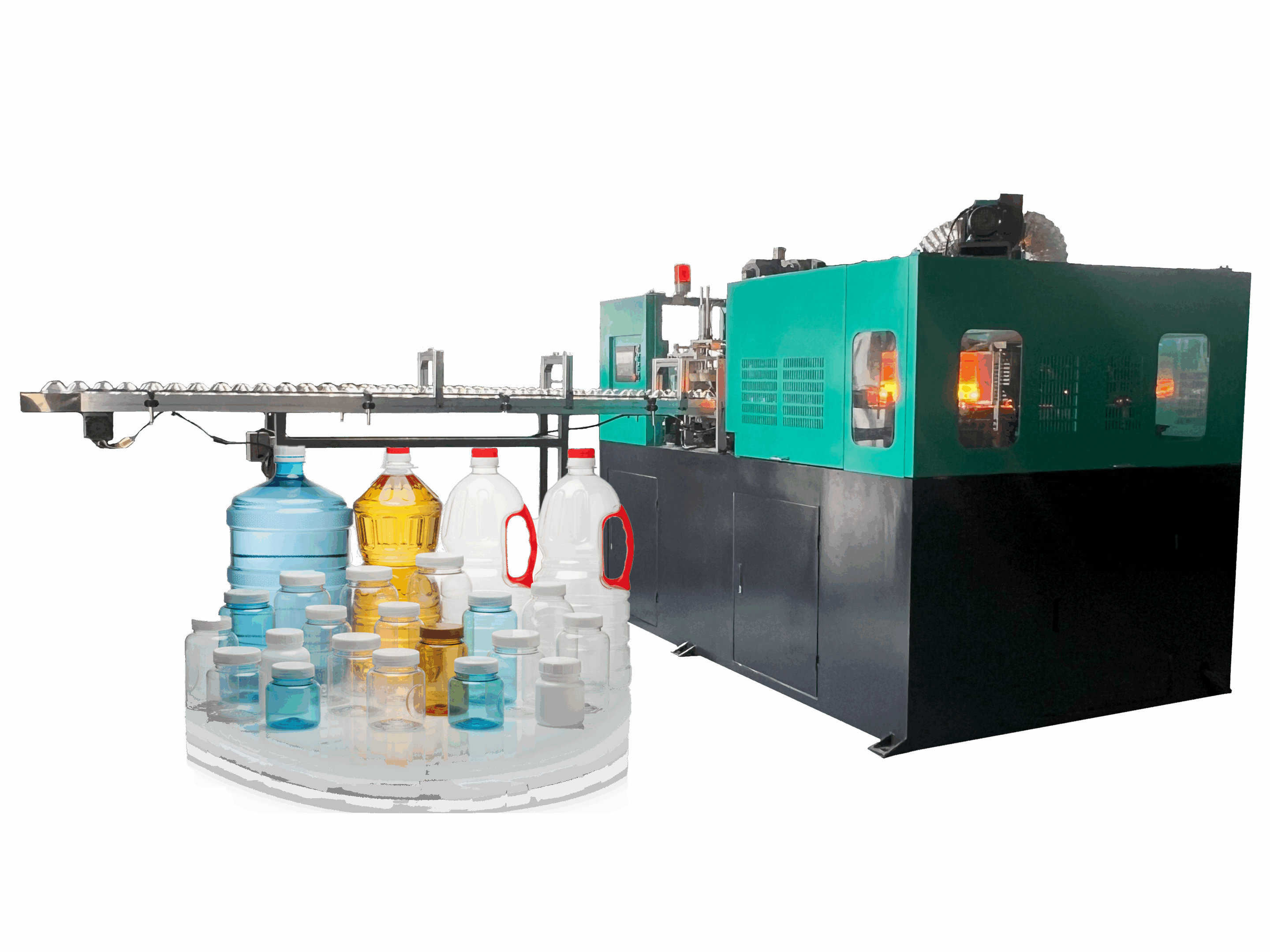
Apakah Sistem Kontrol Mesin Cetak Tiup Listrik Anda Benar-Benar Siap untuk Operasi di Eropa?
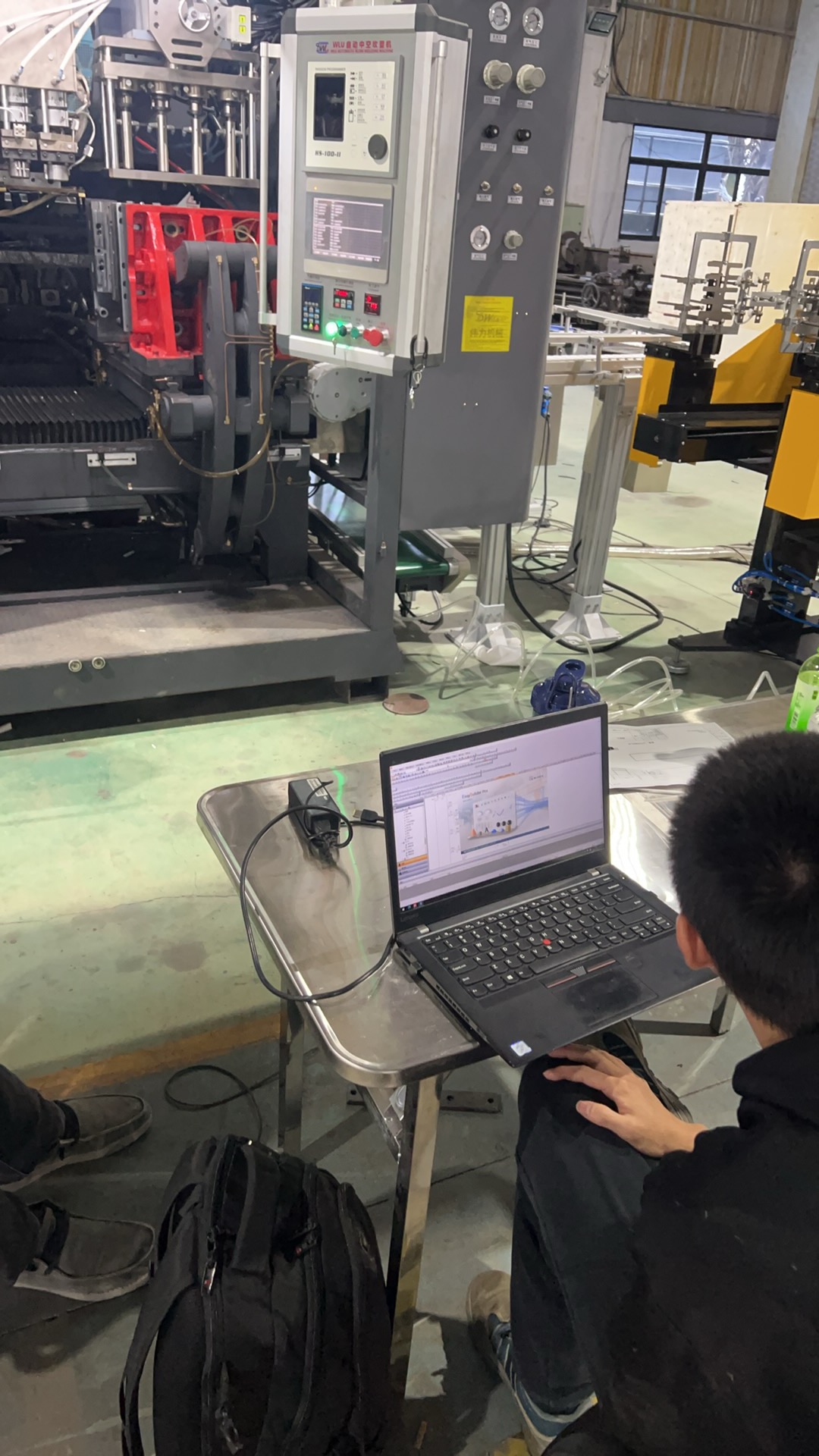
At our facility, we understand that upgrading to all-electric machinery is not just about saving energy; it is about empowering your workforce. We frequently see European factory managers frustrated by complex, rigid interfaces that intimidate operators and slow down production. When we design our systems, we prioritize the "human" element of the Human-Machine Interface (HMI) to ensure your team feels confident from day one.
Human-Machine Interface (HMI) 1
To determine if a control system is easy for European workers, look for native Unicode support for multilingual switching without reboots, intuitive graphical parison editors, and IEC 61131-3 standard open logic. These features ensure the machine adapts to your local workforce, not the other way around.
Let’s examine the specific software features that define a user-friendly and adaptable machine.
Does the HMI interface support multiple European languages for my local staff?
When we configure machines for export to the EU, we recognize that your production floor likely includes speakers of German, Polish, French, or English. We know that if an operator cannot instantly understand an alarm message in their native tongue, downtime increases and safety risks rise.
A robust HMI must support Unicode (UTF-16) encoding to display diverse character sets correctly. It should allow runtime language switching via a simple dropdown menu without stopping the machine or requiring a system reboot, ensuring seamless handovers between shift workers of different nationalities.

The Architecture of True Multilingual Support
In the past, control systems often "hardcoded" text into the software. This meant that changing a button from English to German required a programmer to rewrite code. Today, in our machine builds, we utilize modern resource management systems (often found in Beckhoff or KEBA platforms).
This separates the text from the logic. All text strings—whether for a button, a warning, or a technical parameter—are stored in external database files. This offers two massive advantages for your team:
- Instant Switching: An operator can press a flag icon on the screen, and every word instantly changes to their language. The machine continues running the cycle without interruption.
- User Customization: If your team uses a specific internal term for a process (e.g., "Parison" vs. "Tube"), you can often edit the text file yourself to match your factory’s internal vocabulary.
Visual Icons vs. Text
For European operations, we also emphasize the importance of ISO-standard symbols over pure text. A "Thermometer" icon is universal; the word "Heater" is not. A system that relies heavily on graphical navigation reduces the cognitive load on your operators.
ISO-standard symbols 2
H3 – Comparison of Basic vs. Advanced Language Systems
| Fitur | Legacy/Basic Control System | Advanced European-Ready System |
|---|---|---|
| Character Set | ASCII (Limited to Western Europe) | Unicode (Supports Cyrillic, Greek, etc.) |
| Switching Method | Requires Restart/Reboot | Instant / One-touch |
| Translation Quality | Often "Google Translate" style | Context-aware, technical terminology |
| Help Documents | Paper manuals only | PDF manuals integrated on-screen |
Is the PLC logic open enough for my engineers to make minor adjustments if needed?
Our engineers frequently collaborate with client technical teams who need to integrate downstream automation like leak testers or conveyors. We have found that "Black Box" systems, where the manufacturer locks everything, prevent your team from optimizing the line and lead to unnecessary service calls for simple changes.
leak testers 3
The PLC logic should follow the IEC 61131-3 standard, granting your engineers access to the application layer for I/O mapping and sequence integration. However, core safety functions and servo drive motion profiles usually remain locked to protect the machine integrity and warranty.

Balancing Openness and Safety
The question of "openness" is about finding the right balance. You want a "Glass Box"—transparent enough to see and touch what you need, but protected enough that an accidental keystroke doesn’t crash the servo drives.
Most high-end all-electric EBM machines utilize an architecture that splits the code into two distinct levels:
- The Core Kernel (Locked): This handles the complex math for the servo motors, mold protection, and high-speed synchronization. We generally advise customers not to touch this. It ensures that 100mm of movement is always exactly 100mm.
- The Application Layer (Open): This is where your engineers can work. If you need to add a vision inspection camera that triggers a "Reject" signal, your engineers should be able to write a simple rung of logic in this layer to handle that input/output (I/O).
Connectivity and Standards
For the European market, openness also means connectivity. We strongly recommend systems that support OPC UA (Open Platform Communications Unified Architecture). This is the standard for Industry 4.0.
If your PLC supports OPC UA, your IT department can pull data (cycle counts, energy usage, scrap rates) directly from the machine into your ERP system without needing expensive custom software. This "data openness" is often more valuable than "logic openness" for modern factory management.
ERP system 4
H3 – Access Levels for System Security
| User Role | Typical Permissions | Goal |
|---|---|---|
| Operator | Start/Stop, Clear Alarms, Load Recipes | Daily Production |
| Technician | Adjust Temperatures, Timers, Parison Profile | Process Tuning |
| Engineer | Access PLC Logic (Application Layer), Configure I/O | Line Integration |
| Admin/OEM | Firmware Updates, Drive Tuning, Safety Logic | System Integrity |
How intuitive is the parison control setting for reducing material waste?
Material costs often account for over 60% of the total running cost of a blow molding project. In our experience, if the parison control is difficult to use, operators will simply set a "safe" thick wall, wasting thousands of euros in resin annually just to avoid the hassle of fine-tuning.
Intuitive parison control replaces complex numerical tables with a visual "drag-and-drop" profile curve on a multi-touch screen. This allows operators to instantly see where they are adding material, utilizing interpolation algorithms to smooth the transition between 100 to 400 control points.

From Numbers to Graphics
In older hydraulic machines, operators often had to enter values into a table: "Point 1: 50%, Point 2: 52%…" This was abstract and difficult to visualize.
Modern all-electric machines use high-resolution touchscreens to display a graph that represents the actual length of the parison.
- Drag-and-Drop: If the bottle shoulder is too thin, the operator simply touches that part of the curve on the screen and drags it "up."
- Automatic Smoothing: The software uses "Spline Interpolation." If you move one point, the system automatically adjusts the neighboring points to create a smooth curve. This prevents sudden jumps in the die gap, which causes flow lines on the bottle.
Precision of the Electric Drive
Intuitiveness is also about trust. With hydraulic systems, oil temperature changes cause "drift." An operator might set a profile in the morning, but have to adjust it by noon as the oil heats up.
With an All-Electric Servo Parison Head, there is zero drift. If you tell the machine to open the die gap by 2.5mm at point 50, it does exactly that, every single cycle, regardless of temperature. This reliability makes the control system feel much "easier" because the operator stops fighting the machine and starts managing the process.
H3 – The Cost Impact of Intuitive Control
| Control Method | Operator Action | Hasil | Waste Risk |
|---|---|---|---|
| Manual Table | Typing numbers blind | Trial and error process | High (Over-weight parts) |
| Visual Curve | Dragging points on screen | Immediate visual correlation | Low (Optimized parts) |
| Auto-Weight (Closed Loop) | Setting target weight only | Machine self-adjusts die gap | Minimal (Near zero waste) |
Can I request a software simulation or demo to test the user experience before buying?
We believe that buying a machine without testing the interface is like buying a car without sitting in the driver’s seat. Because software logic is digital, distance is no longer a barrier to validating the user experience before the physical machine arrives at your dock.
Yes, reputable manufacturers now offer "Digital Twin" simulations or secure remote desktop sessions (via VPN/VNC). This allows your team to navigate the actual HMI, test button responsiveness, and simulate alarm recovery procedures from your office laptop before finalizing the purchase order.
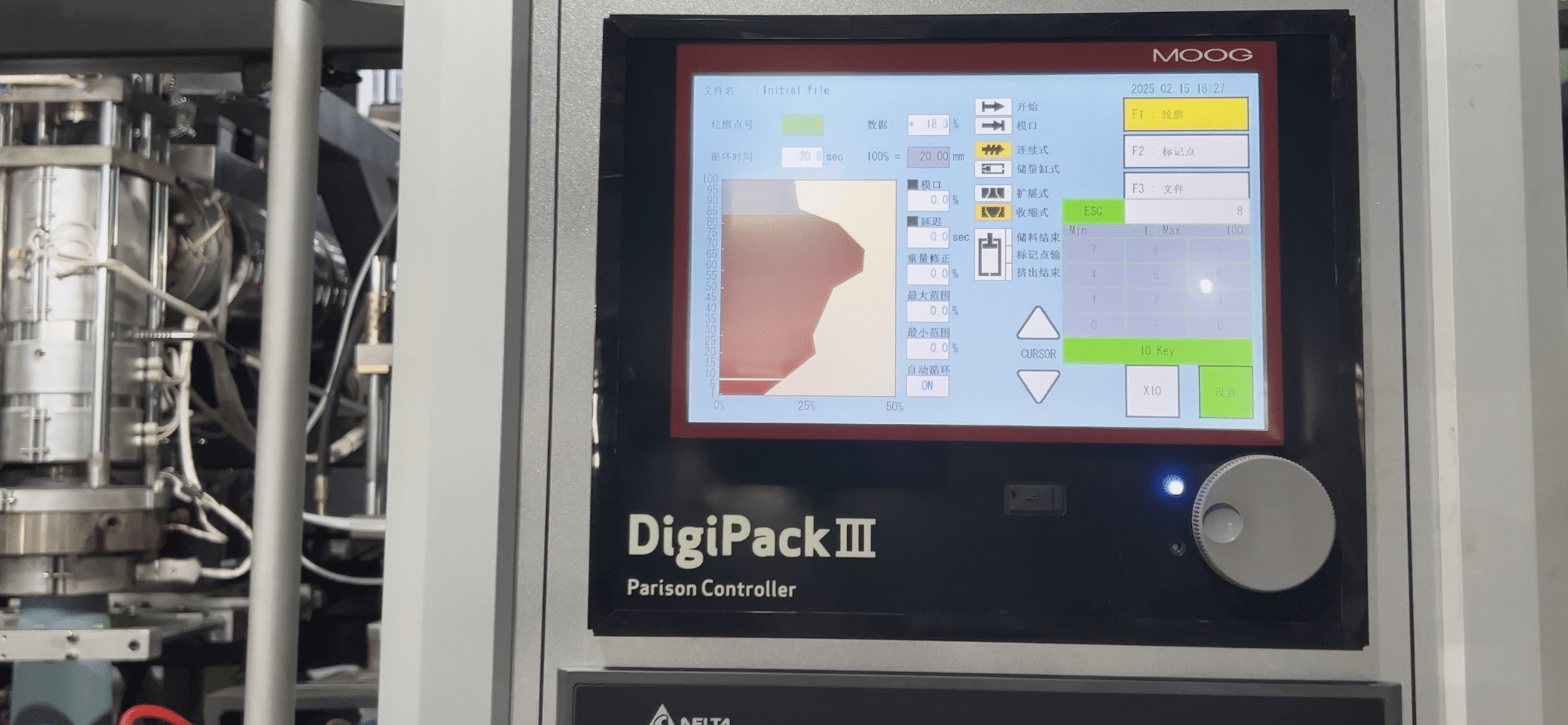
The Power of the "Digital Twin"
Advanced control suppliers (like Beckhoff or B&R) offer software that mimics the machine code exactly. We can run the machine’s HMI software on a standard PC.
Microsoft Teams 5
We can share this screen with you via Microsoft Teams or Zoom, or give you direct control. This allows your production manager to:
- Try loading a recipe.
- See how many clicks it takes to change a temperature zone.
- Check if the menu structure makes sense to them.
Spline Interpolation 6
Pre-Delivery Training
This simulation capability is not just for sales; it is a vital training tool. Once you order the machine, we can provide a software version of the operator panel.
Industry 4.0 7
Your staff can practice "Start-up" and "Shut-down" sequences virtually. They can learn how to troubleshoot common errors (like "Mold Safety Triggered") in a safe environment. By the time the actual machine arrives at your factory, your team is already familiar with the buttons and logic. This drastically reduces the learning curve and speeds up your time-to-market.
OPC UA 8
Kesimpulan
Determining if a control system is "easy" requires looking beyond the brochure. It is about the seamless integration of language (Unicode), the flexibility of engineering access (IEC 61131-3), and the visual intuitiveness of critical processes like parison control. By leveraging software simulations, you can validate these factors before you invest.
vision inspection camera 9
Would you like us to arrange a remote demo session so your engineering team can test-drive our control interface?
motor servo 10
Catatan kaki
- Defines the user interface concept central to the article. ↩︎
- Official website of the International Organization for Standardization. ↩︎
- Overview of leak detection methods used in manufacturing. ↩︎
- Definition of the integrated management software mentioned. ↩︎
- Official product page for the communication tool mentioned. ↩︎
- Mathematical explanation of the curve smoothing technique. ↩︎
- Comprehensive definition of the current trend in automation. ↩︎
- Official organization for the industrial interoperability standard. ↩︎
- Explains the automated imaging-based inspection technology. ↩︎
- Technical explanation of the motors used for precision movement. ↩︎


0 Komentar